

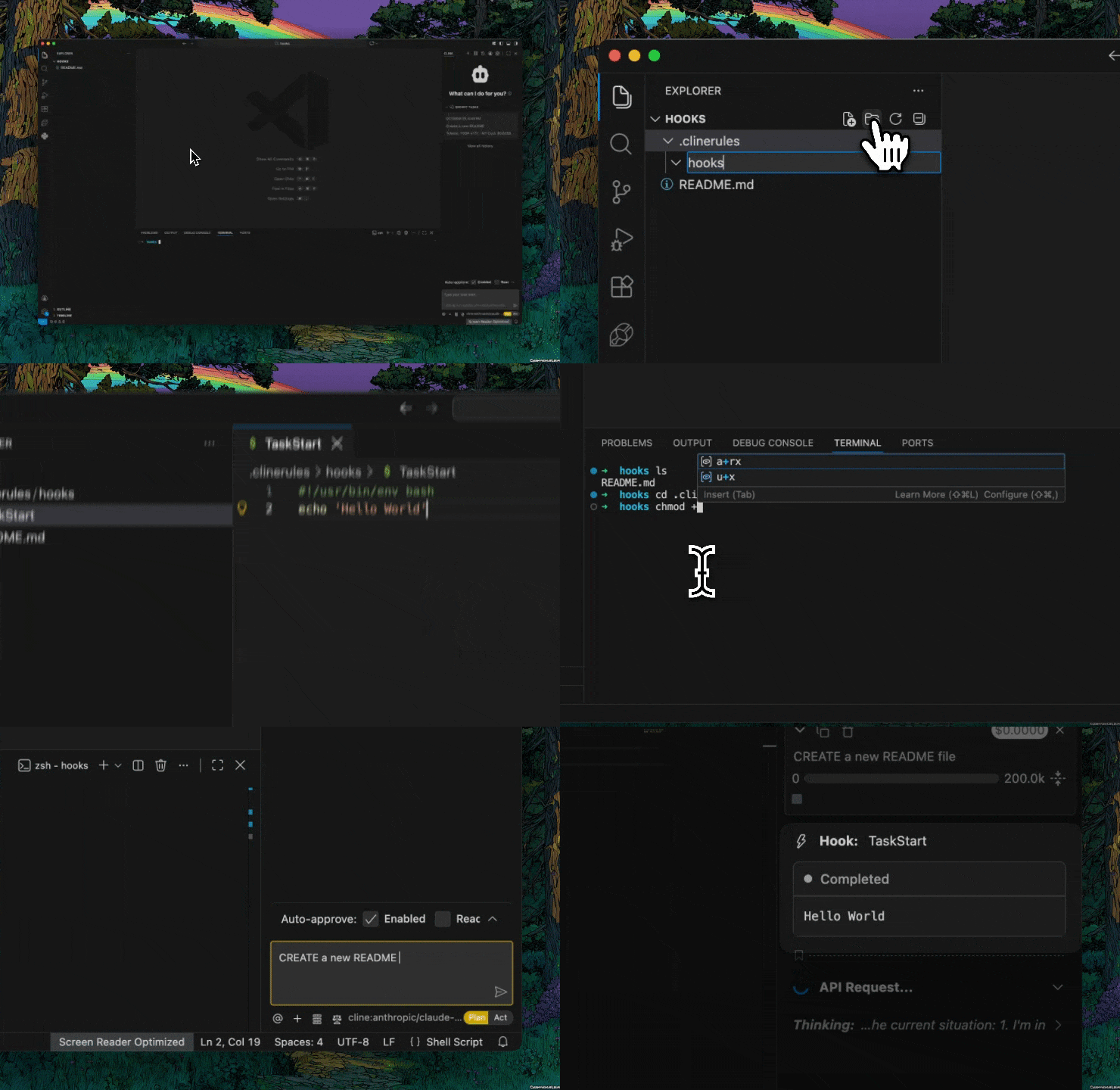
What You Can Build
- Stop operations before they cause problems (like creating
.jsfiles in a TypeScript project) - Run linters or custom validators before files get saved
- Prevent operations that violate security policies
- Track everything for analytics or compliance
- Trigger external tools or services at the right moments
Hook Types
| Hook Type | When It Runs |
|---|---|
| TaskStart | When you start a new task |
| PreToolUse | Before Cline executes tools like file editing |
| PostToolUse | After tool execution completes |
| UserPromptSubmit | When you submit a message to Cline |
Hook Locations
Hooks can be stored globally or in a project workspace. See Storage Locations for guidance on when to use each.- Global hooks:
~/Documents/Cline/Hooks/ - Project hooks:
.clinerules/hooks/in your repo (can be committed to version control)
Creating a Hook
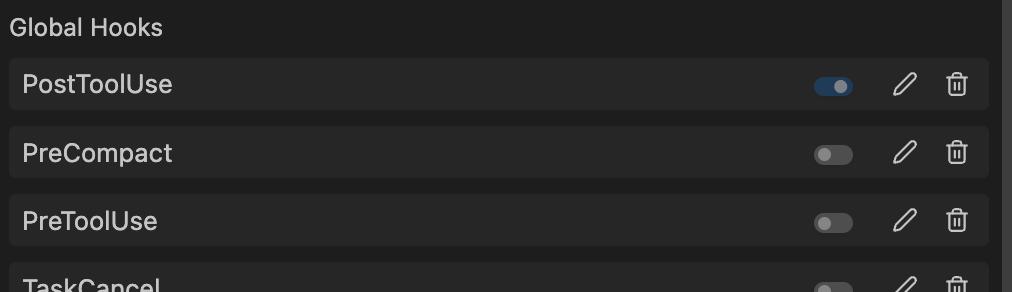
- Open Cline and click the Hooks tab
- Choose between Global Hooks or project-specific hooks
- Click “New hook…” dropdown and select a hook type
- Review the hook’s code with the pencil icon
- Toggle the switch to activate once you understand the behavior
Example: TypeScript Enforcement
This hook blocks creation of.js files in a TypeScript project:
CLI Support
Hooks are available in the Cline CLI:CLI hooks are only supported on macOS and Linux.
Related Features
- Rules define high-level guidance that hooks can enforce
- Checkpoints let you roll back if a hook didn’t catch an issue
- Auto-Approve works well with hooks as safety nets