

When to Use It
Focus Chain works best for:- Multi-step implementations (building a feature end-to-end)
- Tasks that might span multiple context windows
- Work where you want visibility into Cline’s plan
Enabling Focus Chain
- Click the gear icon in the Cline sidebar
- Navigate to “Features”
- Check “Enable Focus Chain”
- Optionally adjust “Remind Cline Interval” (default: 6 messages)
| Setting | Default | Description |
|---|---|---|
| Enable Focus Chain | Disabled | Enables enhanced task progress tracking |
| Remind Cline Interval | 6 | How often Cline updates the todo list (1-100 messages) |
How It Works
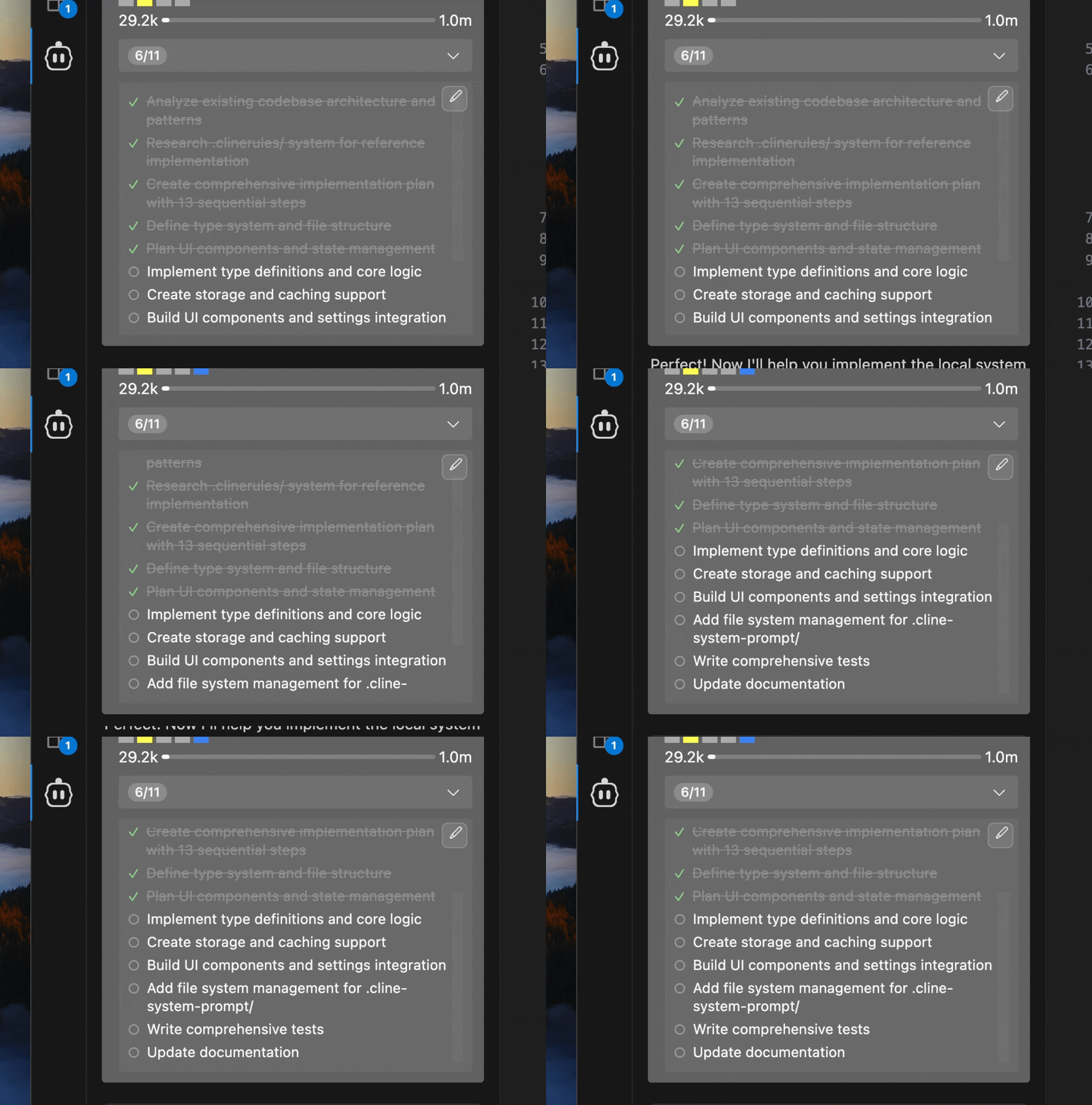
When you start a task with Focus Chain enabled, Cline:- Analyzes your request and creates a comprehensive todo list
- Stores it as an editable markdown file
- Updates progress in real-time as work progresses
- Shows a progress indicator in the task header (e.g., “3/8”)